Cloud Computing
Compute for the applications you ship. Add capacity without moving the network or the backups that already sit beside it.
Computer network and developer platform
vmweb.org designs the network, writes the applications, and keeps both online. The work is done in Visual Studio, .NET, and JavaScript, then placed on hosting and in a data center we operate.
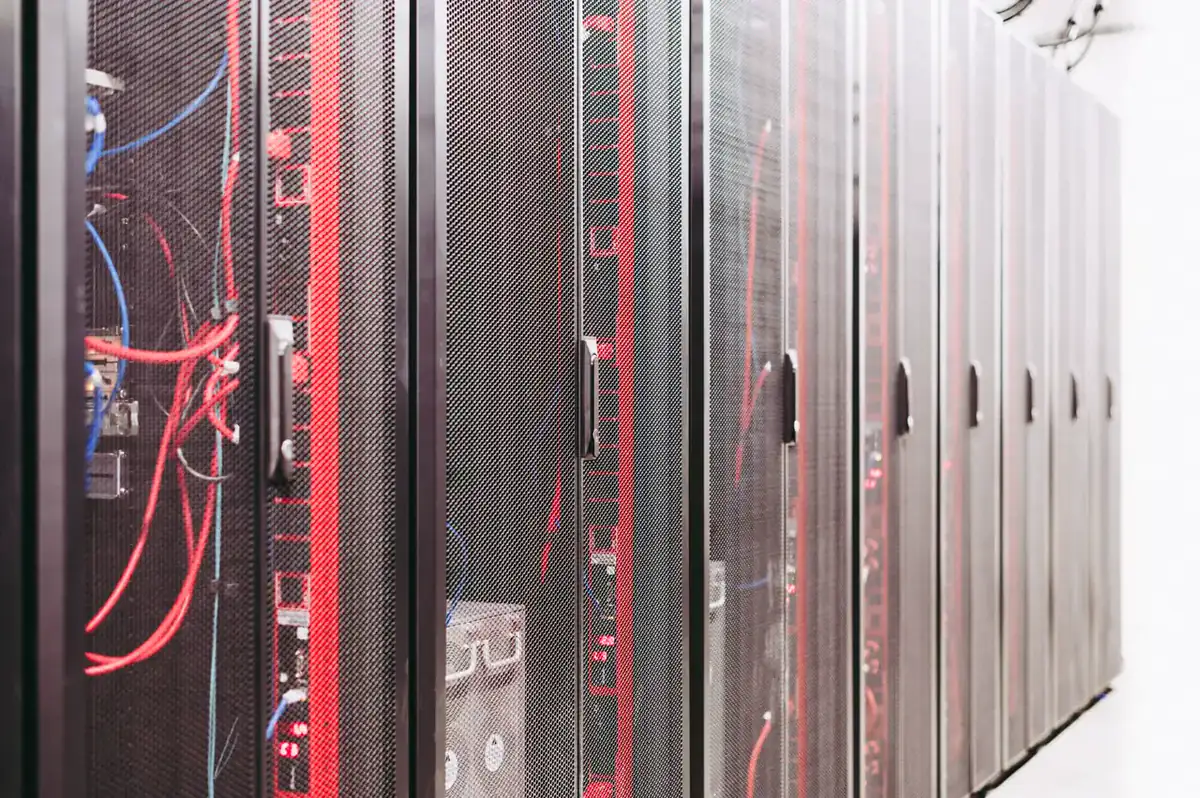
Four practices, one platform. The software is built to run on the network, and the network is built for the software.
Compute for the applications you ship. Add capacity without moving the network or the backups that already sit beside it.
Fast sites and web apps. Front ends in JavaScript, TypeScript, and React. APIs in ASP.NET Core, built in Visual Studio.
Enterprise applications and APIs in C# and ASP.NET Core, written in Visual Studio. JavaScript where the screen should feel current.
Routing, switching, and the links between sites. The path is designed with the code, so both stay understandable.
Technologies
The same tools from the first line of code to the service that stays up. Names are written in plain text. The tools are the ones we build with every day.
The workshop. We design, debug, and ship from Visual Studio, so the application, its tests, and the way it is released stay in one place.
ASP.NET Core and C# for enterprise applications and APIs. Typed models, a clear structure, and a runtime meant to stay in production.
TypeScript, React, and Node.js for modern web front ends, and for services that sit beside the .NET APIs. The browser stays current. The server stays typed.

Web Development
A site has to load quickly and stay changeable. We build the interface in JavaScript, with TypeScript and React when the screen has real state, and Node.js when a small service belongs next to the browser.
The API behind that screen is ASP.NET Core, written in Visual Studio. One design covers the page and the server, so a field on the form is the same field in the application.
Application Development
Line-of-business software and the APIs under it are C# on ASP.NET Core. Visual Studio is where that work happens: the model, the tests, and the build, in one workshop.
JavaScript covers the parts of the interface that should feel like a current web app. React and TypeScript on the front, Node.js where a service is a better fit than another .NET process. The application stays one system.

Managed Networking
We run the switching and the links the applications depend on. A service is not finished when the code builds. It is finished when the packets have a path that someone is accountable for.
Addresses, routes, and the handoff to the data center are drawn with the software, so a change in the app does not surprise the network.
Web hosting
The site stays with the people who built it. Capacity, certificates, and the machine underneath are part of the service, not a weekend chore after launch.

Managed web hosting for the applications and sites we build, and for the ones you already have. Updates and capacity stay with the host, so the page is still there after the project ends.
The same Visual Studio and .NET applications, and the same JavaScript front ends, run here. Hosting is not a different stack.
Data center
Colocation, fiber, failover, backups, and a watch that does not go home. Each one is its own service.
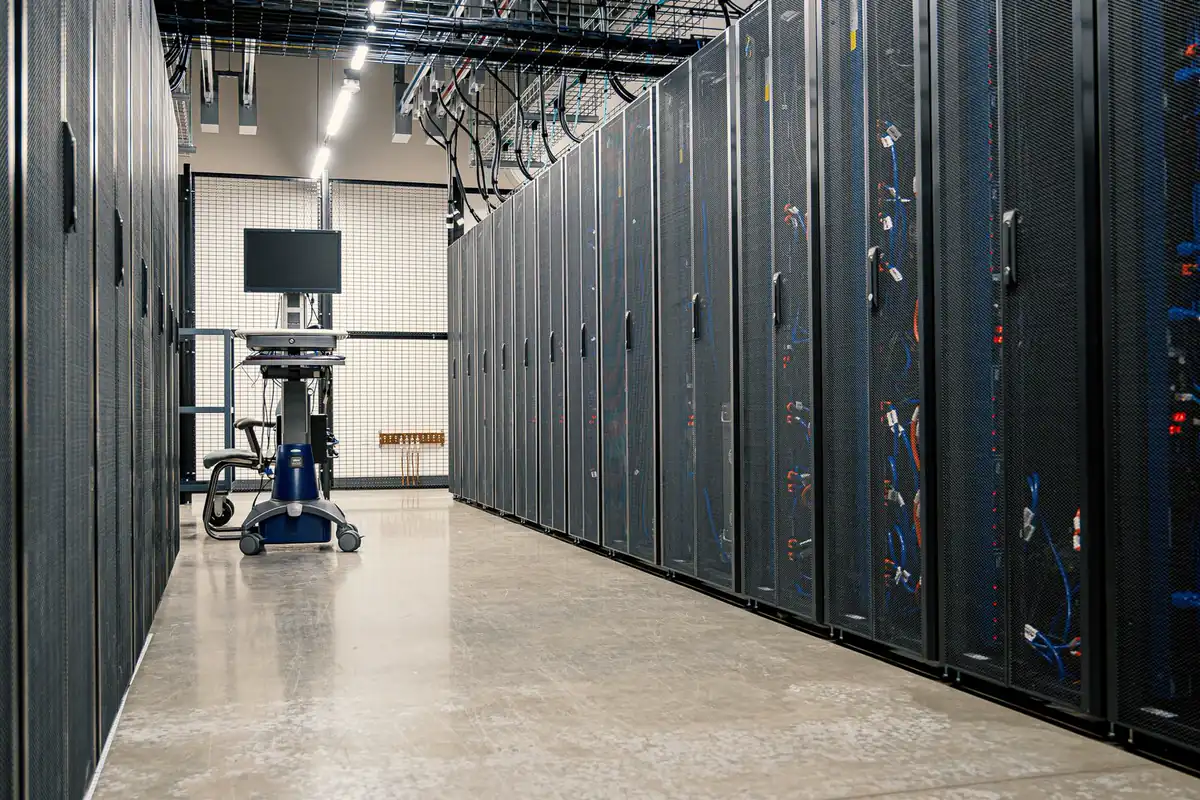
Your own hardware in the hall. Power, cooling, and a locked cabinet, with a path onto the network we already run.
You keep the machine. We keep the building side: the feed, the climate, and the handoff to fiber.
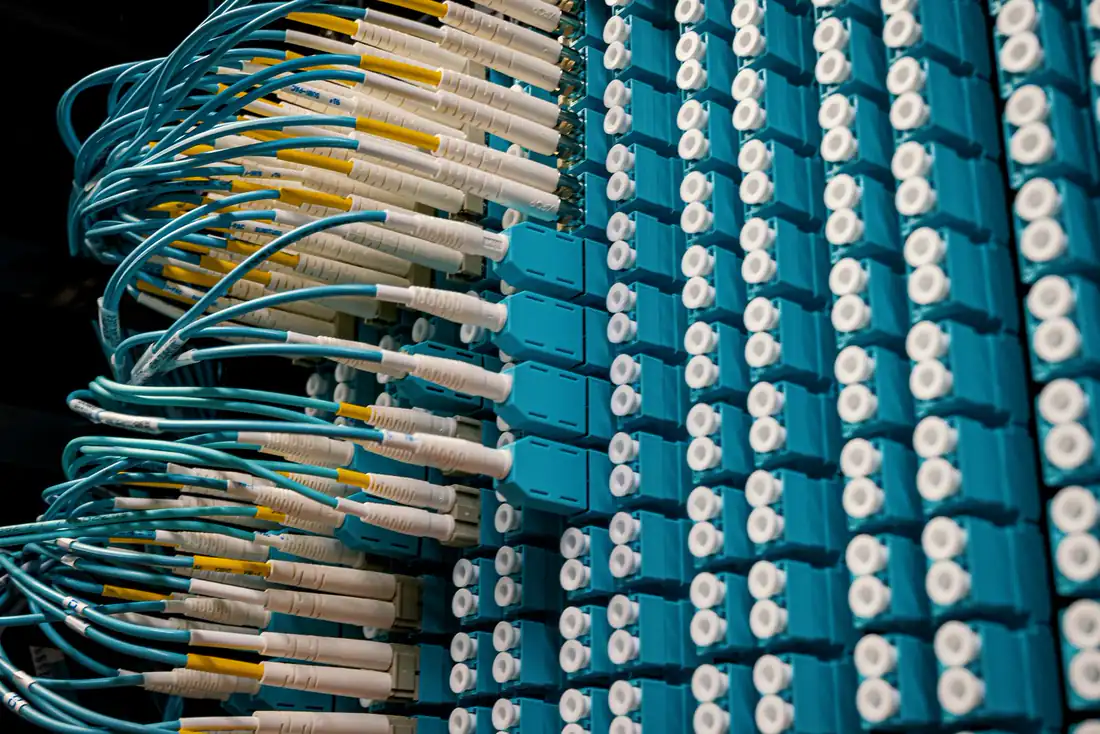
More than one fiber into the building. If a strand or a carrier path fails, traffic moves to the path that is still lit.
The second path is installed and tested, not promised for later. Hosting and colocation both sit on it.

Services are built to fail over on their own. A second node is already warm, so a hardware fault does not wait on someone to flip a switch.
Automatic failover covers the application and the path in front of it. The public name keeps answering while the failed piece is replaced.
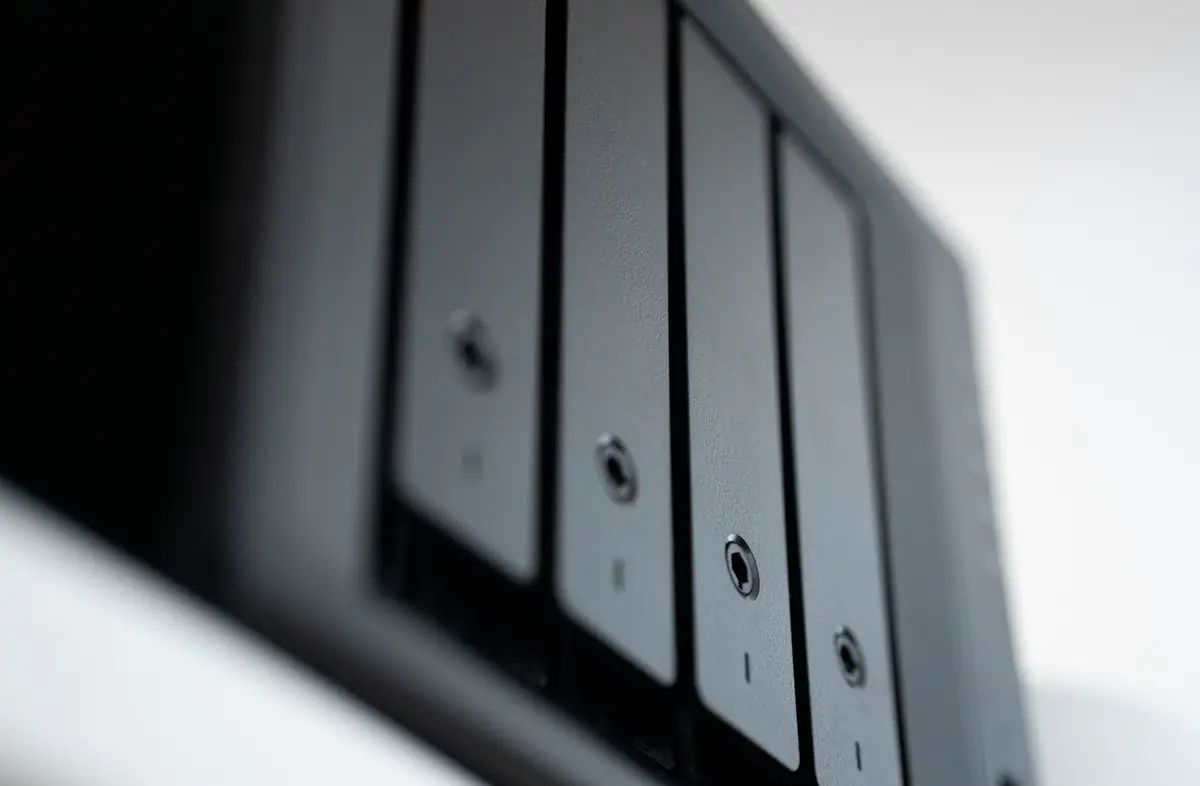
Copies of the data, kept apart from the machine that serves it. A backup on the same disk as the live files is not a backup.
Restore is part of the design. Hosting, colocation, and the applications we write all land in the same copy schedule.

The hall is watched all day and all night. Links, power, and the services on top of them are checked so a fault is seen before a caller reports it.
Monitoring is what makes failover and backups real. A spare path that nobody is watching is just a second way to fail quietly.
A network, an application in Visual Studio, a hosted site, or a cabinet in the data center. Start with the service. The stack is already chosen.
Contact usEmail us at info@vmweb.org.